Free presentation tools

Convert HTML to PPT

Paste in your HTML or a URL, and Plus AI will transform it into client-ready presentation. No sign-up required.
Paste your HTML here
How does it work?
1
Paste your HTML
Paste your HTML or give Plus AI a URL
2
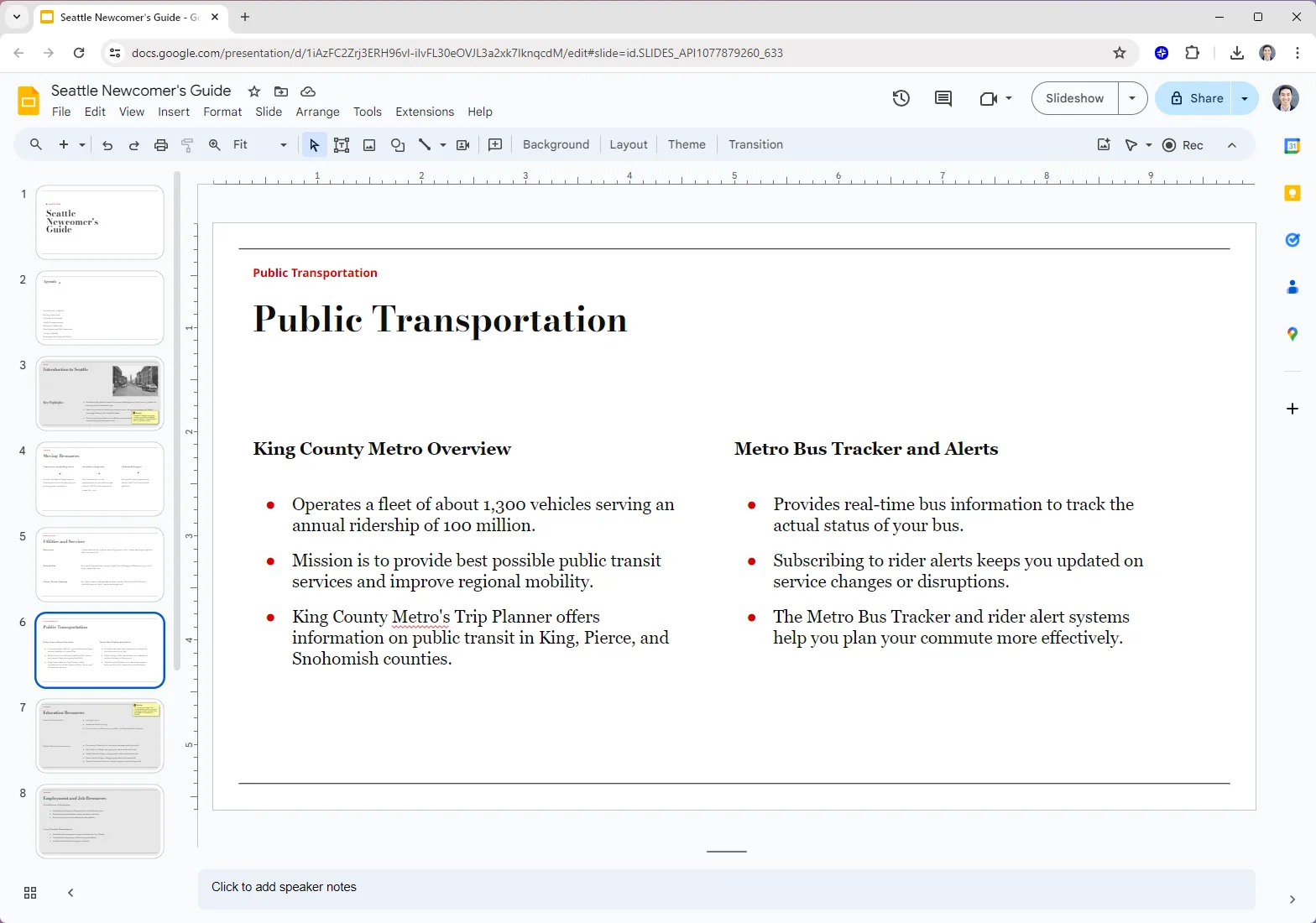
Plus AI generates your presentation
We use the latest AI models to create a presentation on your topic.
3
You receive a link to the slides
Customize your presentation, edit it with AI, and share with customers or coworkers.

HTML to PPT features

plus ai check icon
Professional presentations
Use our professionally-designed templates to create the perfect slide deck
plus ai check icon
Automated content extraction
Plus AI will automatically pull the text content of any publicly-available URL
plus ai check icon
One-click AI generation
No sign-up or credit card required. Just click a button and receive a slide deck
plus ai check icon
Easy to edit
Edit slides natively in Google Slides or PowerPoint; use Plus AI to generate or edit your slides
plus ai check icon
Easy to share
Share your Google Slides link with customers and coworkers. Or download straight to PPT
plus ai check icon
Free to use
Best of all, it's free! If you need to create more presentations, check out Plus AI

FAQs

Can I automatically convert HTML to PowerPoint?

Yes! Plus AI can turn HTML pages into fully-formatted PowerPoint presentations in minutes. Paste a URL or your HTML, and Plus AI will create slides with structured layouts, text, and visuals.

Can I edit slides after converting them from HTML? 

Yes, Plus AI is designed for professional presentation creators, so every slide is fully editable and compatible with your existing Google Slides and PowerPoint presentations.

Is there a free way to convert HTML to PPT? 

Yes, you can use the free HTML to PPT tool on the Plus AI site to convert your HTML into slides.

How long should my presentation be?

A good general rule of thumb is you need 1 slide for every 2 minutes of your presentation, plus or minus 2 to 3 slides. For more detailed guidance, check out our guide on How many slides do I need for my presentation?

Holen Sie mehr heraus mit Plus AI for Enterprise

Plus KI für Unternehmen

KI-Folien, um das gesamte Team gut aussehen zu lassen
Bringen Sie Ihre markenspezifischen Vorlagen und Assets mit unserer unternehmensfähigen KI zusammen
Holen Sie sich eine Demo
Erweiterte Vorlagen
Support for unlimited slides and specialized designs like case studies and diagrams
Plus AI book icon
Asset libraries
Außerdem kann KI aus Ihren vorhandenen Ressourcen Folien, vorab genehmigte Bilder und Symbole und mehr abrufen
Arbeitet dort, wo du es tust
Funktioniert in Google Slides und PowerPoint — keine neuen Apps, die installiert werden müssen, oder Tools zum Lernen