
Free presentation tools
PowerPoint Image Extractor
Upload a PPTX file and download a zip file with all images in the presentation. Totally free to use, no registration required
Drag and drop or select a PPTX file
Why extract images from PowerPoint files
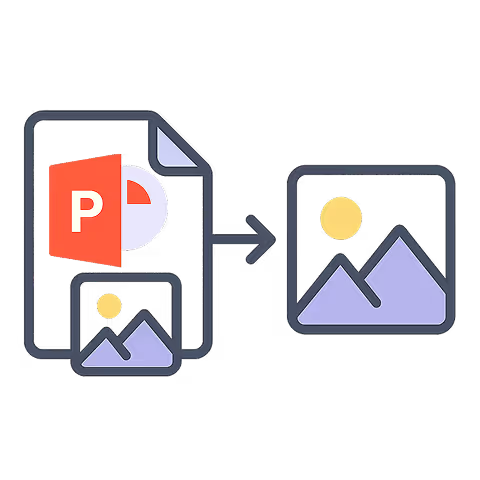

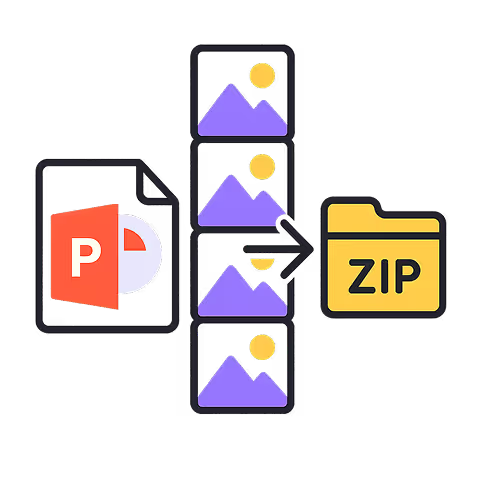
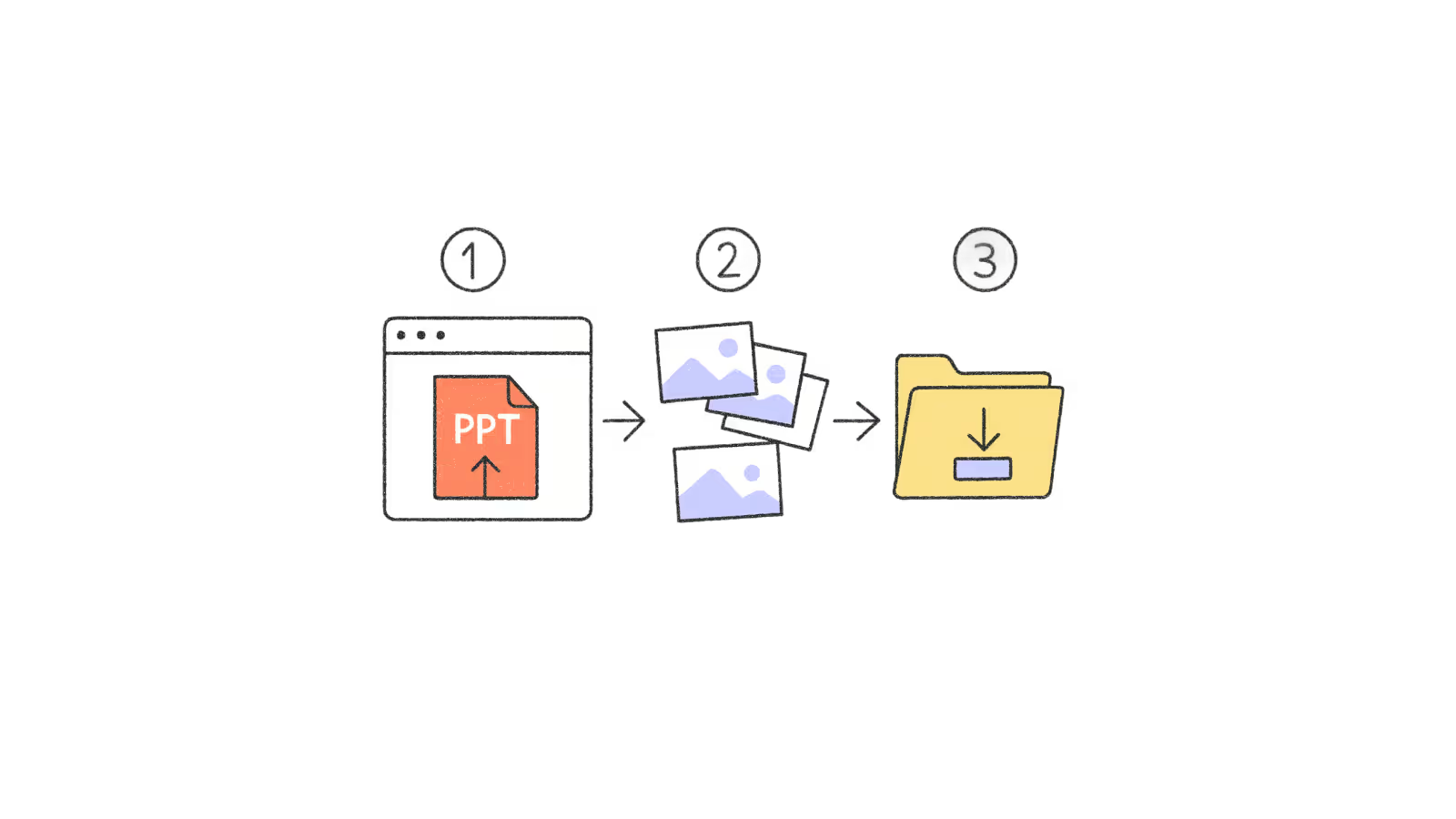

.avif)
FAQs
How do I download images from a PowerPoint presentation?
To save a single image from a PowerPoint presentation in Windows, you can open the file in the PowerPoint app, right click to "Save as".
To save an image from a PowerPoint on Mac, you can select the image in the PowerPoint app and copy and paste it to another document or image editor. Then save your image from there.
To save time, you can use a PowerPoint image extractor (like the one from Plus AI) to download all the images from a PowerPoint file at once.
How do I get high resolution images from a PPT?
Some users experience issues saving images from the PowerPoint app directly where they report a loss in image quality.
Using a bulk PowerPoint image extractor like the one offered by Plus AI is the best way to quickly download all images from a PowerPoint presentation in their original resolution in one go.
Does this tool keep the original image quality?
Yes, this tool extracts the embedded image files from the PPTX instead of taking screenshots or another lossy method.
What are the limitations of the PowerPoint image extractor?
The PPT image extractor is totally free to use. There are no limits or restrictions on the number of slides you can upload. You can use the image extractor as many times as you need.
Do I need the PowerPoint app to extract images?
You do not need the PowerPoint app on your computer to use the PPT image extract. The extractor works right in your browser and there is no paywall or install needed.
Are my PowerPoint files uploaded?
No. The image extraction tool runs locally in the browser, so nothing is uploaded or shared.
Why are my extracted images so large?
We extract images in high resolution so that you don't sacrifice image quality if you need to reuse them in presentations or documents.
You can always use an image editor to resize or compress your extracted images.