Features
Plus AI for Google Slides
Plus AI for PowerPoint
Document to presentation
Edit slides with AI
Reformat slides with AI
Custom branded presentations
AI in any language
AI image generator
Use cases
For sales and marketing
For startups
For consultants
For course creators
For schools and universities
Resources
Templates
Presentation generators
Free presentation tools
Example presentations
Guides and reviews
Pricing
Contact sales
Help center
Simple guide to flipping an image vertically or horizontally in PowerPoint
A introduction to Tome, how to use it and which alternatives are available
Looking for an easy way to add music, narration, or other audio to your PowerPoint? Here's our easy-to-follow guide
Free downloadable template and step-by-step guide to using Harvey Balls in PowerPoint
Here are the most popular presentation software alternatives (and add-ins) to PowerPoint
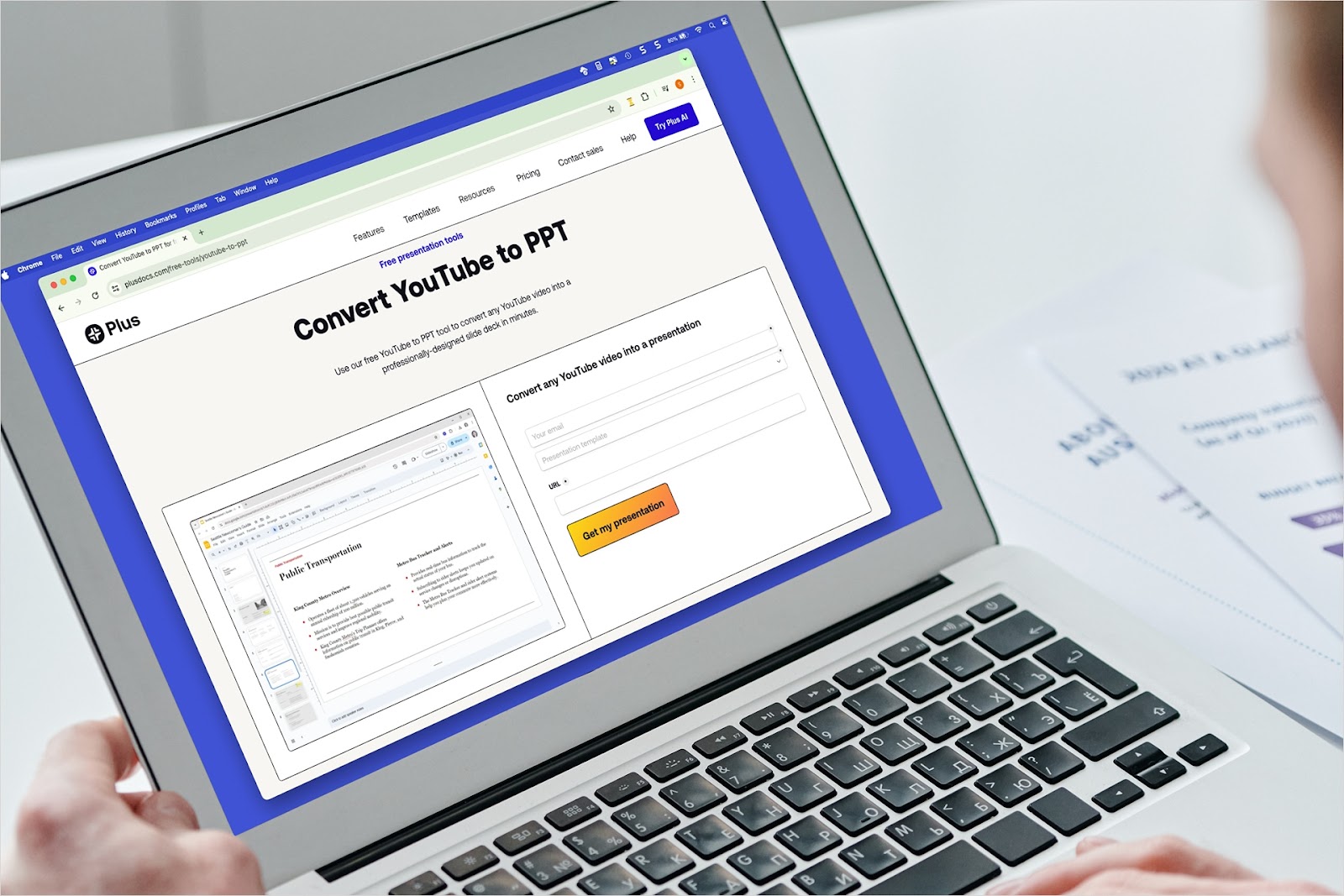
Have a video that would make the perfect presentation? We’ll show you how to convert YouTube video content to PowerPoint a couple different ways using Plus AI.